

Journal · Hardware notes
The Camera Control button, as a photographer.
Published December 21, 2024 · Updated July 19, 2026
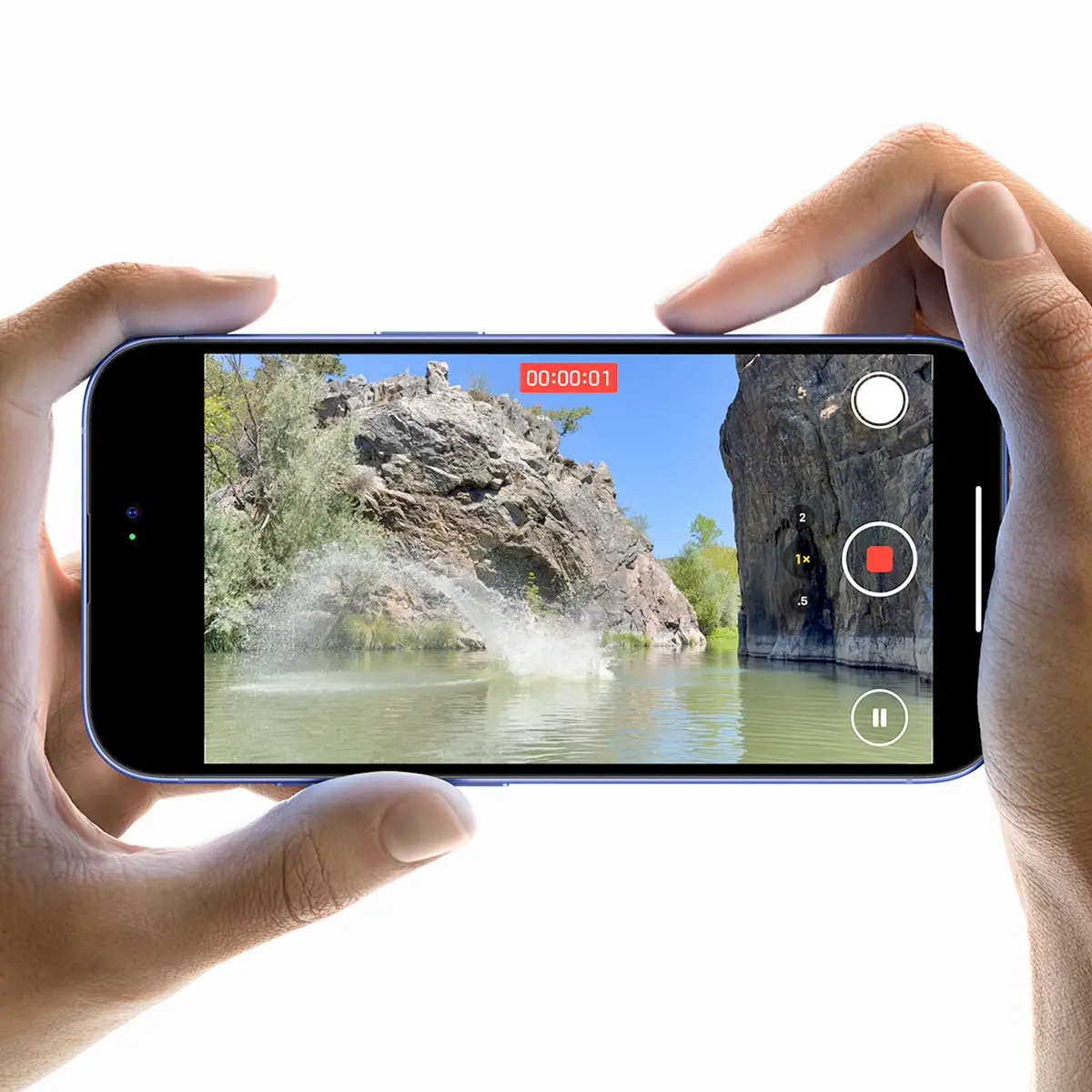
Before any of this, there was selling 360° cameras, and before that, just being someone who cares about camera hardware generally. So when the iPhone 16 shipped with a dedicated Camera Control button, it earned a place here, not because it changed how any client project gets shot, but because it's an interesting piece of hardware design worth talking about as a photographer.
Worth being completely clear about first
Every Matterport tour and every Google Street View project delivered here is shot on the Matterport camera itself: 135-megapixel imagery, nothing else. Not a consumer 360° camera, not a smartphone. That's true of every single project on this site, without exception. What follows is personal interest in phone camera hardware. It has nothing to do with how client work gets captured.
The Camera Control button, and why it's a good idea
It's a capacitive, force-sensitive button: half-press to lock focus, full press to shoot, the same logic a real camera shutter button has used for decades. For anyone used to shooting with an actual camera, tapping a flat screen to trigger a shutter has always felt like a compromise. A physical, tactile control that behaves like one is an improvement, not a gimmick.
This isn't theoretical for me. A personal Google Local Guides profile, entirely separate from any Adostrophe work, has crossed 5 crore views off roughly 850 regular photos, not 360°s. A better shutter button is a small thing on paper, but it adds up across that many individual shots.
The other real shift with that generation was standardized spatial video: stereoscopic capture using the aligned ultra-wide and main lenses, encoded in a format built for playback on headsets. Interesting as a format, though it's not part of any workflow here, more on that below.
What's changed since: the iPhone 17 Pro
The Pro line since has moved to better sustained thermal management, a proper vapor chamber design, which matters more than it sounds for anyone shooting video or doing heavy processing for extended periods without the phone throttling itself. The main sensor resolution has also moved up a generation. Neither changes the answer above: none of it touches an actual Matterport or Street View deliverable, which stays 135-megapixel Matterport imagery, full stop.
Where a real camera does show up in project work
Supplementary stills, separate from the tour itself, have come from a Canon 6D Mark II on at least two real projects: the Ivy Homes Bangalore pilot, and the National Crafts Museum in New Delhi. A dedicated DSLR, not a phone, for exactly the reason a phone wouldn't have been the right tool for that job either.
On the Labs side
Finostrophe and Ecostrophe both touch iOS development directly, which means Swift comes up regularly in what's actually being learned right now, still early in that, not claiming otherwise. Worth mentioning here since it's the same ecosystem this post is about, just the software side instead of the camera hardware.
Updated July 2026: the iPhone 17 Pro's thermal and sensor updates are added above. The core point hasn't moved since this was first written. Phone hardware is interesting to follow, and it still has nothing to do with how an actual Matterport tour gets captured here.
Before you ask
Worth knowing.
Do you ever use a smartphone or a consumer 360° camera for a Matterport tour?
No, never. Every tour and every Street View project is shot entirely on the Matterport camera's own 135-megapixel imagery.
Is spatial video (for Vision Pro or similar) part of any project workflow here?
No. It's mentioned as an interesting format, not something used on client work. Vision Pro itself hasn't launched in India and isn't used here.
Has a regular camera ever been used on a project?
Yes, for supplementary stills alongside the Matterport tour on a couple of projects. A Canon 6D Mark II, specifically, not a phone.
Start a project
Tell us about the space, and we'll tell you what it'll take.
Most replies come within a day. Most enquiries start with a short email about the space.
Email info@adostrophe.com