

Journal · Guide
As-built documentation, explained.
Published February 22, 2025 · Updated July 19, 2026
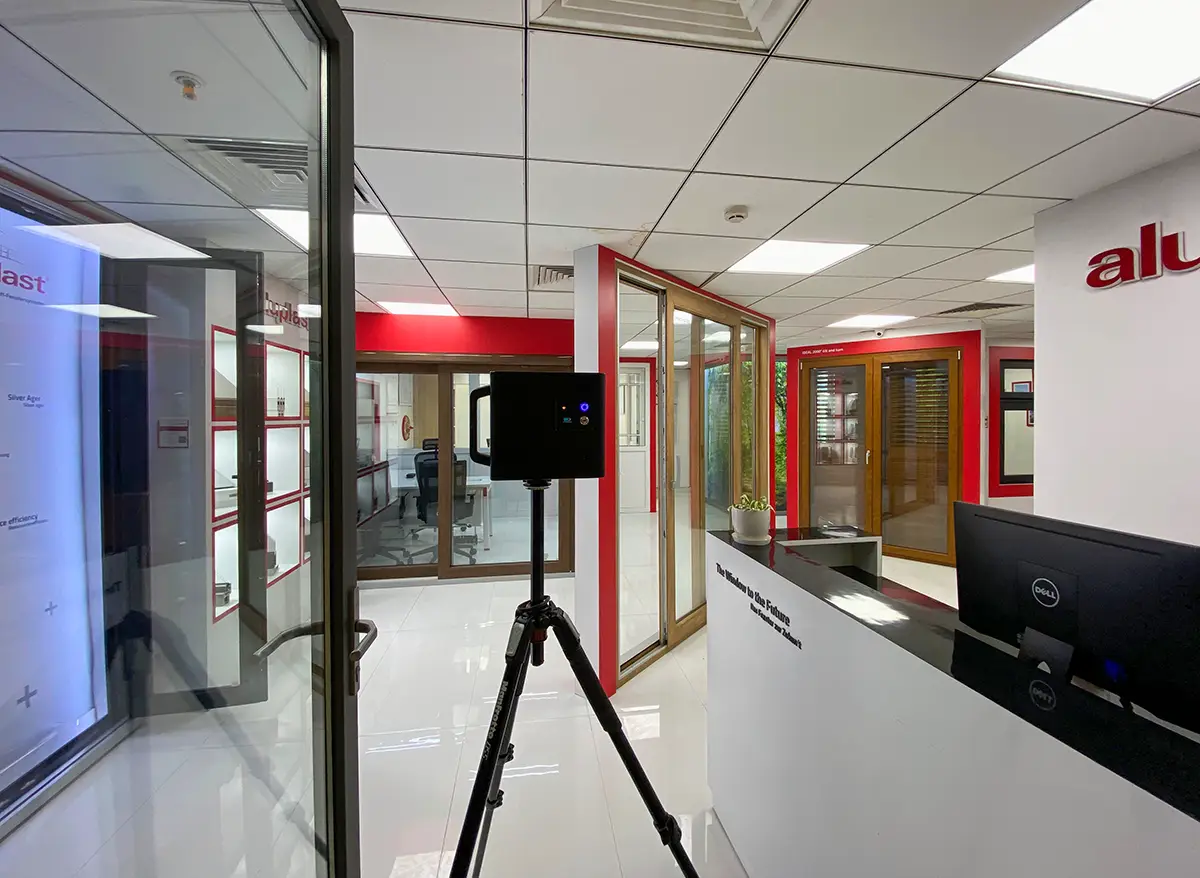
Construction and facilities projects lose time and money in fairly predictable ways: nobody has a reliable record of what a site actually looks like right now, so decisions get made on outdated drawings or someone's memory of a walkthrough. A 3D scan is, at its simplest, a fix for that specific problem: an accurate, dated, walkable record of a space, at a point in time.
What a scan is actually useful for, stage by stage
Before construction: an as-built scan of the existing site replaces a lot of manual measurement, and gives everyone the same starting picture instead of relying on drawings that may no longer match reality.
During construction: scanning the same space at intervals gives a dated, walkable record of progress, useful for anyone who can't be on-site as often as they'd like, and for spotting where things have drifted from plan before it becomes expensive to fix.
After handover: the final scan becomes a practically useful as-built record for whoever manages the property afterward, a reliable reference for where things actually are rather than where a drawing says they should be.
What a scan actually delivers
Every Matterport scan includes a textured 3D mesh and a walkable tour by default. For projects that specifically need a raw point cloud, the kind used for architectural or engineering reference, a colorized point cloud is available as an additional deliverable. A vendor-neutral E57 export (the standard format most AEC and BIM software expects) is available too, as a separate paid add-on rather than something included by default.
This was done for Dassault Systemes' office space in Pune, and separately for a water treatment plant, both delivered as E57 point clouds on top of the standard scan.
To be direct about what that data can and can't do on its own: Matterport's own data format is technically capable of being brought into BIM software like Revit for reference or clash-detection workflows. That capability lives in the platform, not in a service performed here. If a project needs that integration actually done, someone importing the point cloud into Revit or Navisworks and running the clash checks, that's a separate, specialized skill from capturing the scan itself, worth scoping as its own piece of work with whoever's handling the BIM side.
How accurate this actually is
Stated plainly, rather than letting anyone assume more than is true: real-world measurements off a Pro2 scan typically land within about six inches, meaning overall dimensions can vary by up to roughly a foot in practice. That's practically useful for progress tracking, space planning, and as-built reference. It is not a substitute for a survey-grade laser scan on anything with tight engineering tolerances.
Before you ask
Worth knowing.
Can this data be used for clash detection against a BIM model?
The point cloud format is compatible with tools like Navisworks for that purpose, but the clash-detection work itself is a separate, specialized task from the scan, best scoped with whoever's handling BIM coordination on the project.
Is an E57 file included with every scan?
No. The standard deliverable is the textured 3D mesh and walkable tour. A colorized point cloud, and a vendor-neutral E57 export, are both available as additional paid deliverables when a project specifically needs them.
How accurate is the as-built data?
In practice, typically accurate to within about six inches, so overall dimensions can vary by up to roughly a foot. Good for progress tracking and space planning; not survey-grade for tight engineering tolerances.
Has this actually been used for a real AEC project?
Yes. Dassault Systemes' office in Pune, and separately a water treatment plant, both had point clouds delivered as E57 exports alongside the standard scan.
Start a project
Tell us about the space, and we'll tell you what it'll take.
Most replies come within a day. Most enquiries start with a short email about the space.
Email info@adostrophe.com